
Natural Portrait
Retouching in Photoshop
What you'll practice:
• Find the repair tools, panels and keyboard shortcuts used in the workflow.
• Choose healing, cloning or removal tools for different distractions.
• Set brush size and sampling options before making a repair.
• Clean up selected temporary blemishes and small background distractions while keeping identifying features.
• Use masks and gentle brightness adjustments to guide attention.
• Save an editable master and export a separate finished image.
Leave with a repeatable cleanup process, a better understanding of tool choice and a clearer sense of when an edit helps—and when to stop.
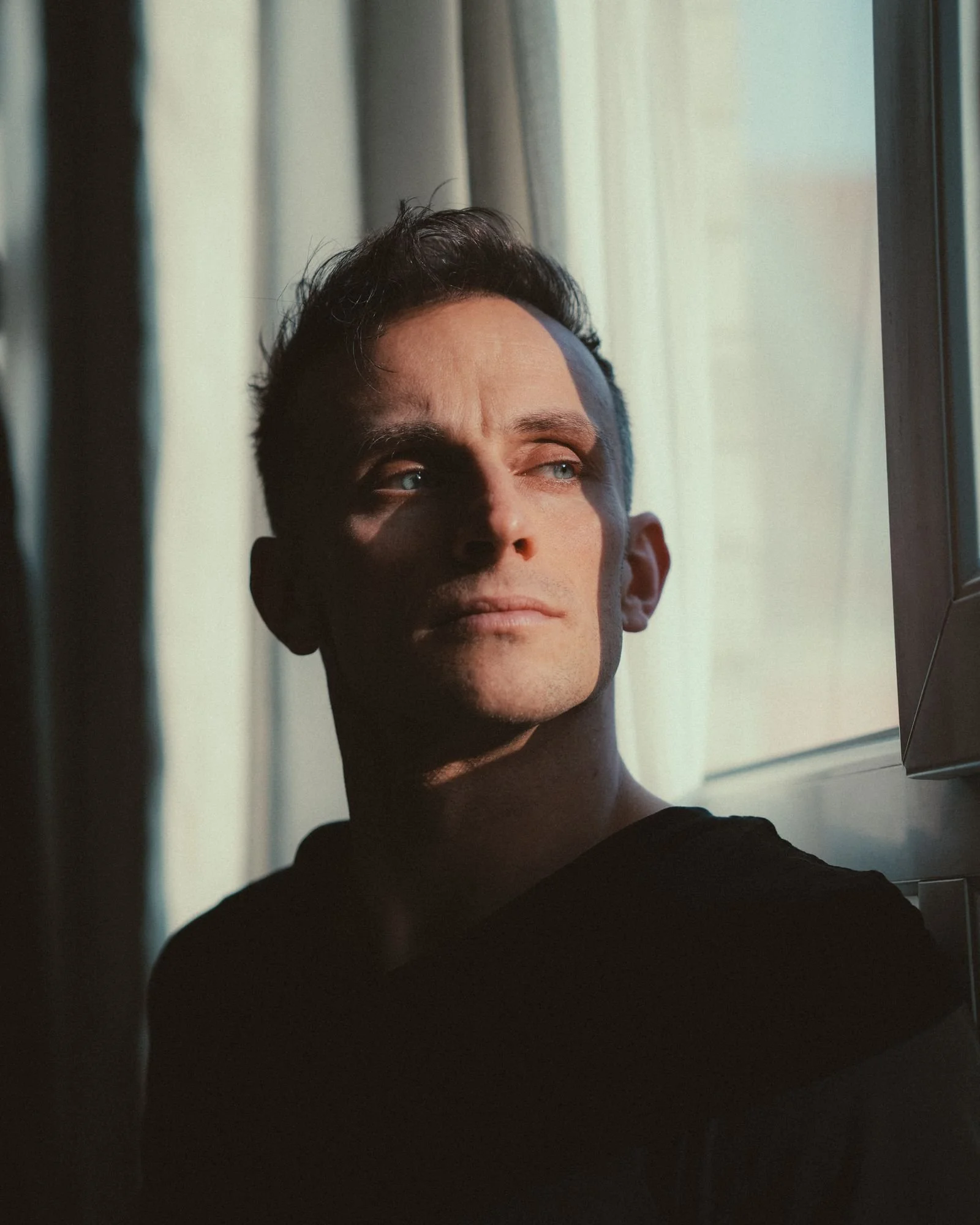
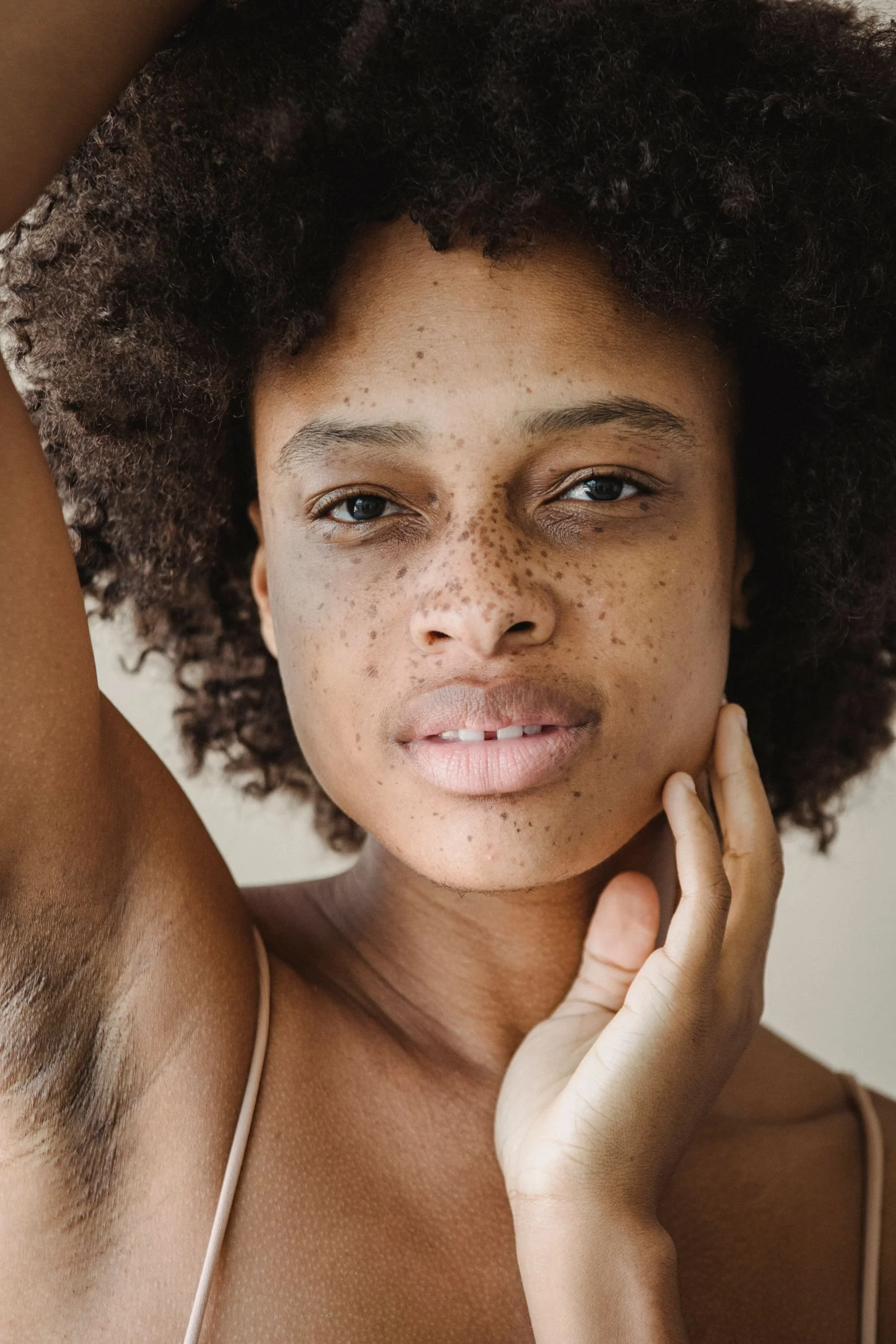
Clean up the distraction and keep the person. Learn to make careful portrait edits in Photoshop while preserving skin texture, freckles and character. Join Jay Batchler at Atlanta School of Photography in Old Fourth Ward for a guided workflow that protects your original and helps you make edits you can review and refine.
Start by duplicating the original Background layer, keeping the original protected and saving a layered PSD. Follow the demonstrations on your laptop as you organize repairs and compare the edited image with its starting point.
Meet Your Instructor
///
Meet Your Instructor ///
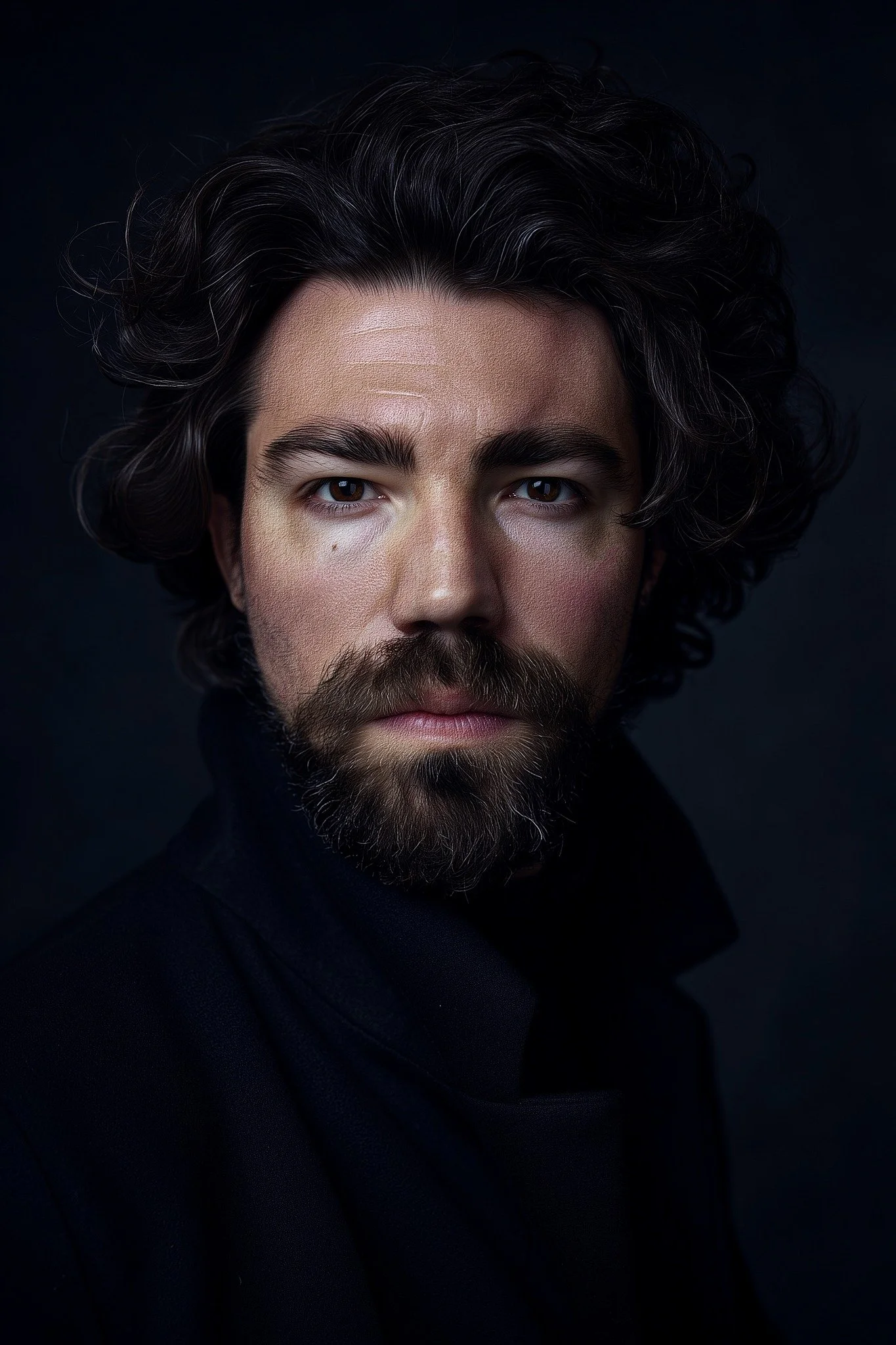
Jay Batchler
Jay’s creative path started behind the camera, where he developed a keen eye for everything from intimate portraits to sprawling commercial real estate and product photography. That same passion and attention to detail led him to the world of film.
Now based in Atlanta, Jay has carved out a successful film career in post-production. His dedication and skill were recognized in June 2025 when he became the V.P. of Post-Production at Swirl Films, where he also plays a key role in Creative Operations (CCO) and Distribution.
A true innovator, Jay's influence extends to the very tools of his trade; he helped train Adobe Firefly and Photoshop's "Generative Fill" feature in 2020-2021. His unique artistic vision was also celebrated by Adobe in 2025, which named him an "Emerging Artist" for his work under the name Jaybatchofcookies.
Location
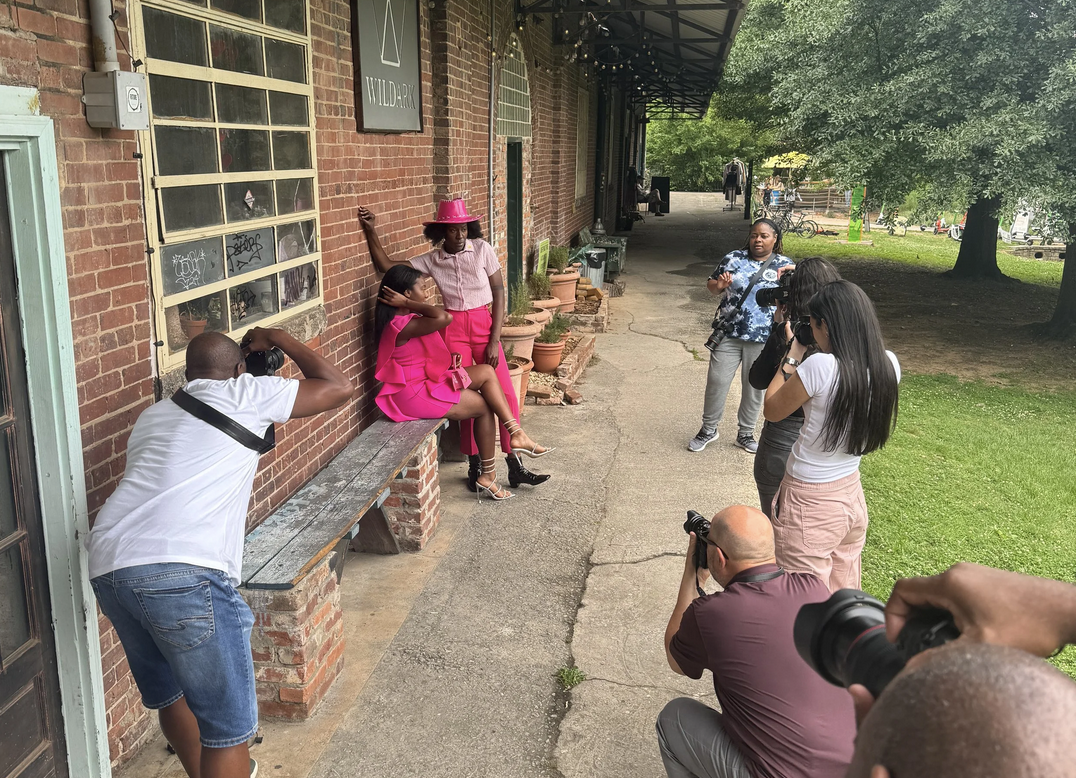
Old Fourth Ward
East Side Beltline near Krog St Market
Free, Dedicated Parking Lot
Frequently Asked Questions
-
Laptop with Photoshop desktop installed and original portrait files. A mouse or tablet is recommended.
-
Yes! For both locations!
Our Old Fourth Ward has a dedicated parking lot. We will send out a validation code just prior to the workshop start time.Our Sandy Springs location has a parking deck dedicated to Northside Tower.
-
We absolutely welcome note taking! But, we also send out a link to the slide deck presentation from every workshop, so you can focus on learning.
-
You can send us an email at staff@atlschoolofphoto.com or call or text us at 404-996-6978
-
The majority of our workshops are beginner friendly! However, if you want to be sure, email us at staff@atlschoolofphoto.com
Be sure to check out our Photo 1 class to learn more